
Download Skype Beta – video calls, messaging, Facebook integration, peer-to-peer technology, voice calls, free app, mobile app, Android
Overview
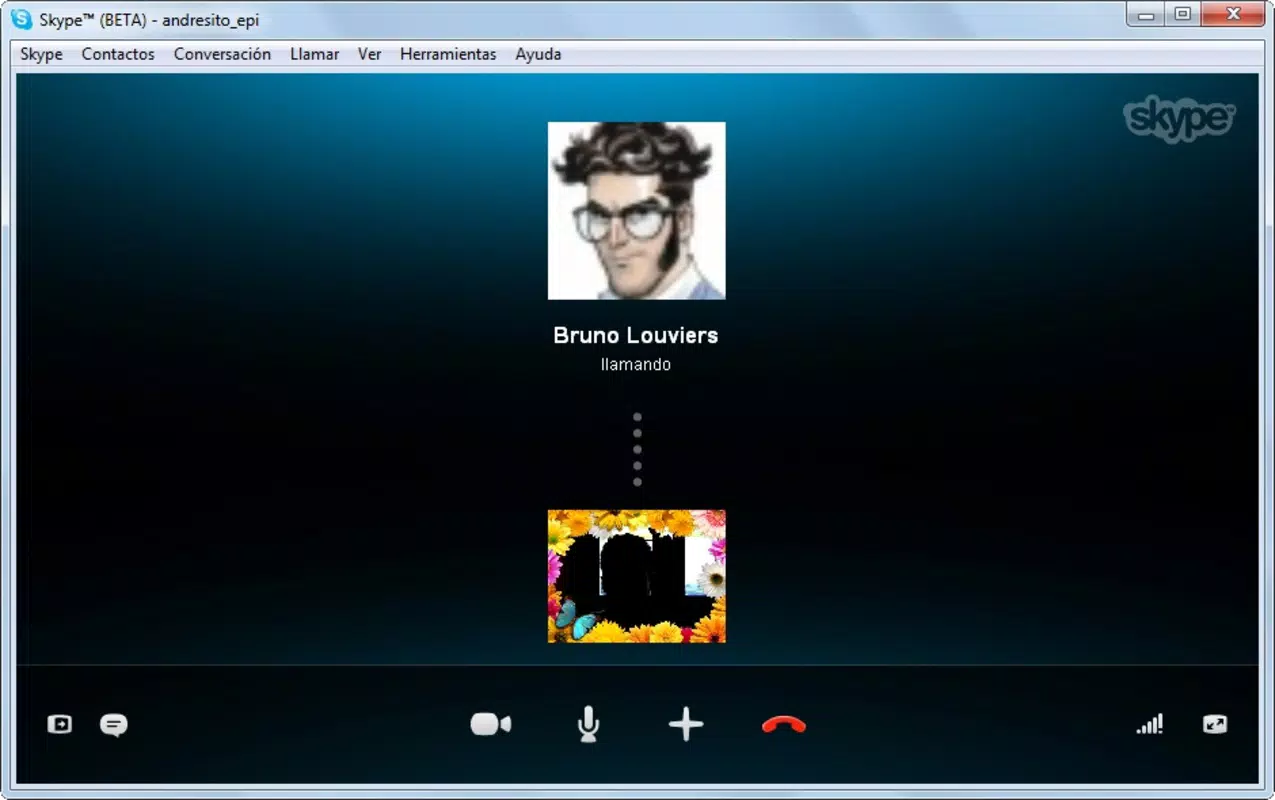
Skype Beta is a mobile communication application designed to facilitate high-quality voice and video calls, along with messaging, across a global network of users. Built on peer-to-peer technology, the app delivers reliable and clear audio performance, aiming to replicate the experience of traditional phone calls through digital connectivity. It enables users to stay in touch with friends, family, and colleagues regardless of geographical distance, addressing the growing need for seamless remote communication.
The app is particularly suited for individuals seeking a straightforward, no-frills solution for staying connected via smartphone. While the developer did not provide additional technical details, the application is associated with Microsoft, a well-established name in digital communication platforms. Real-world use cases include personal check-ins, remote work coordination, and social engagement through integrated Facebook contacts.
In the broader app ecosystem, Skype Beta plays a foundational role in bridging voice, video, and messaging services within a single interface, offering a unified experience that reduces the need for multiple communication tools.
Key Features & Functionality
- High-Quality Voice Calls: Leveraging peer-to-peer technology, Skype Beta ensures stable and clear audio transmission, minimizing latency and dropouts during conversations. This feature is ideal for users who prioritize clarity in long or frequent calls.
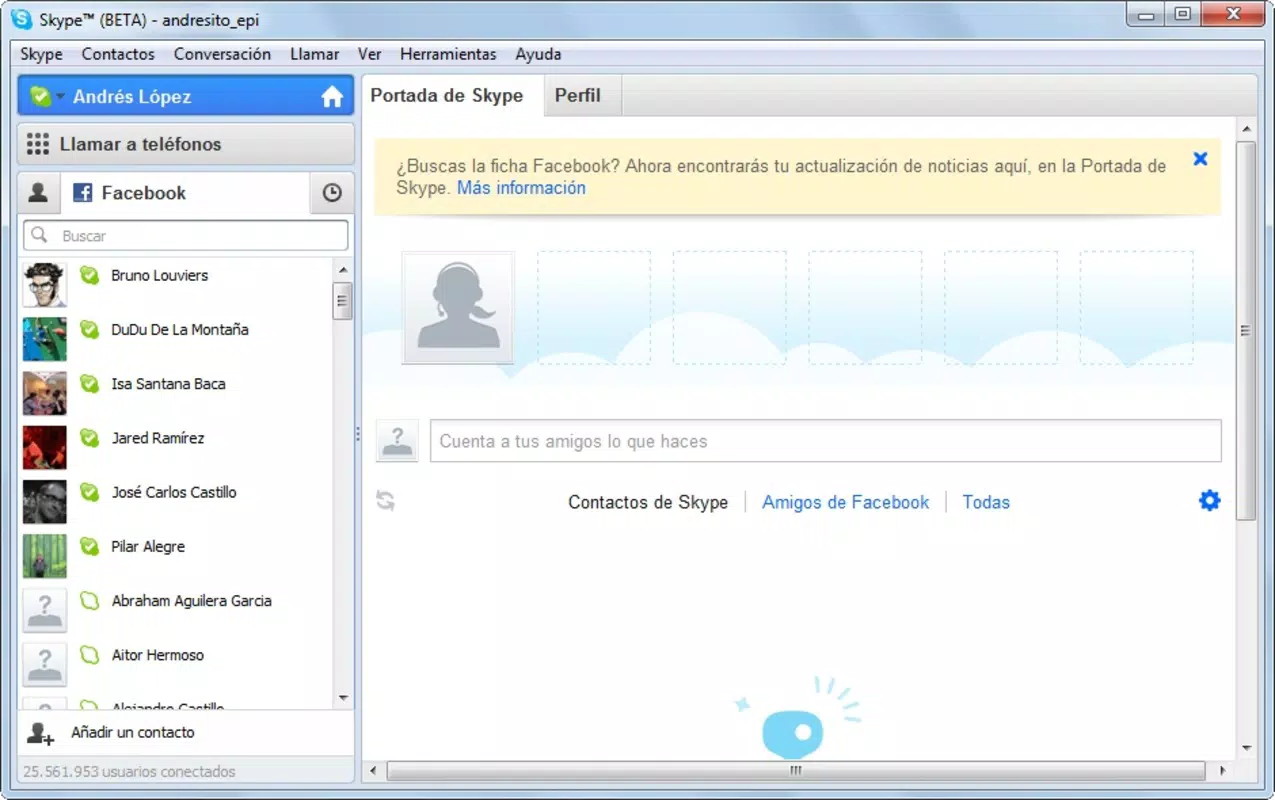
- Video Call Integration with Facebook: The app allows users to initiate video calls directly with Facebook contacts, streamlining social connectivity. This integration enables one-click access to friends’ profiles, reducing the friction typically associated with cross-platform communication.
- User-Friendly Interface: Designed for accessibility, the interface avoids complex configurations, allowing users of all technical skill levels to navigate and use the app efficiently. This simplicity enhances usability for older adults and non-technical users.
- Free Communication Between Skype Users: Core calling and messaging features are available at no cost when connecting with other Skype users, making it an affordable option for maintaining personal and professional relationships.
- Text Messaging Capabilities: In addition to voice and video, users can exchange text messages with contacts, including those linked via Facebook. This feature supports ongoing conversations and provides a complete communication suite within a single application.
For example, a remote worker might use Skype Beta to conduct daily team check-ins with voice and video calls, while a parent could use it to send a quick message or schedule a video call with a child abroad. The integration with Facebook allows users to maintain social connections without switching between platforms, enhancing convenience and reducing digital clutter.
Interface, UX & Performance
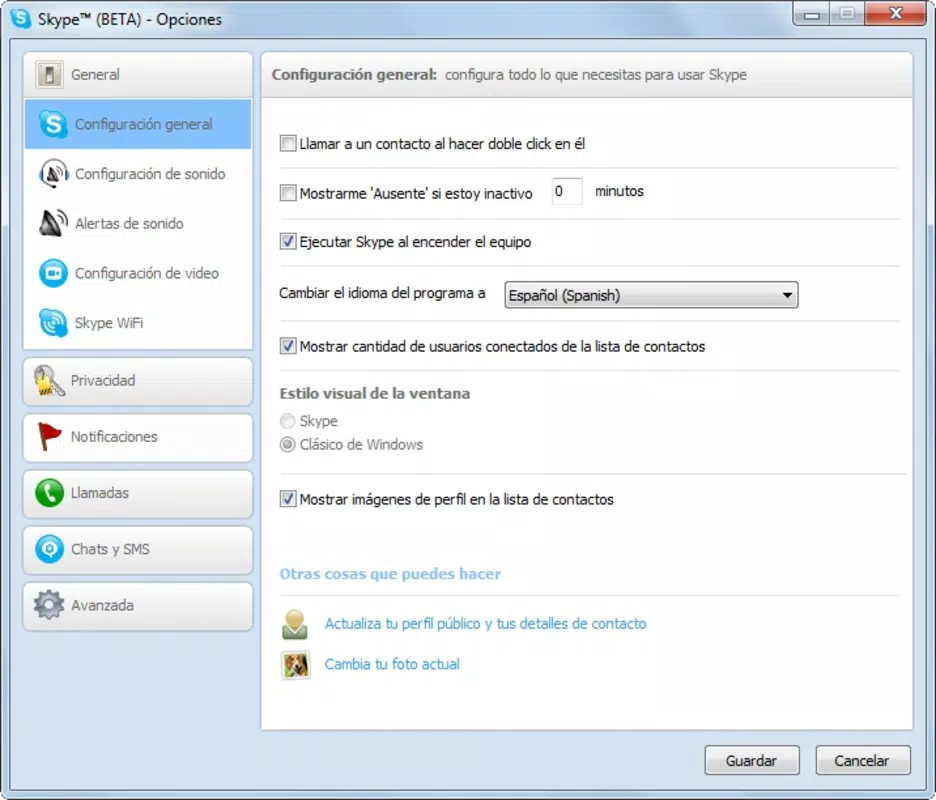
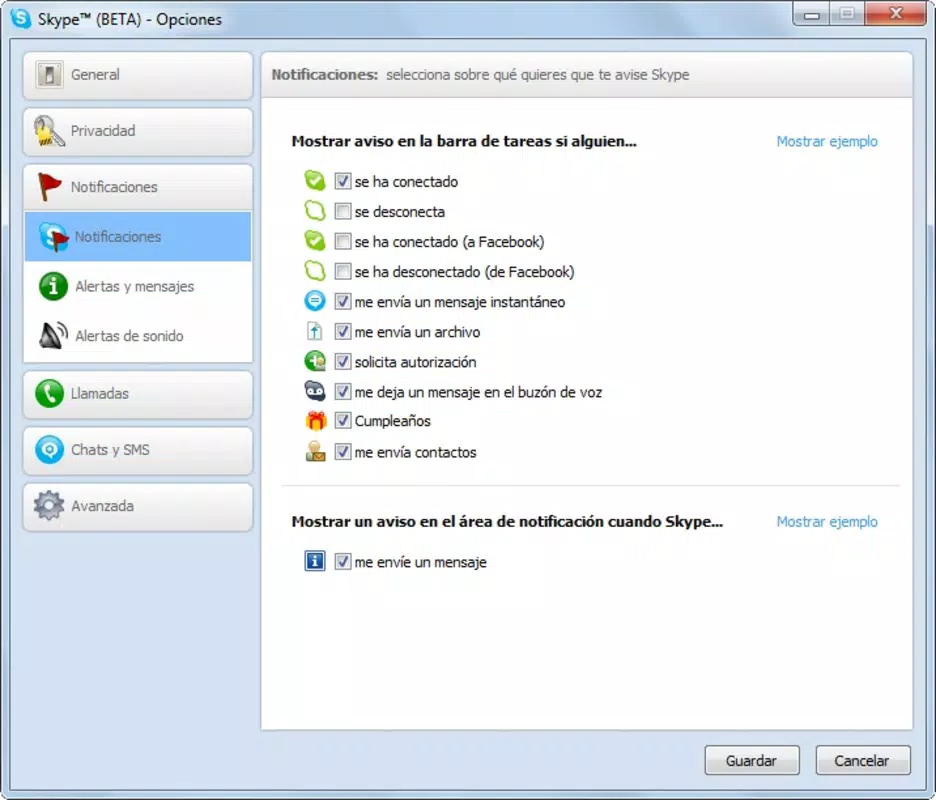
Skype Beta features a clean and intuitive interface, emphasizing accessibility and ease of use. The layout is organized around core functions—calls, messages, and contact lists—ensuring that essential tools are readily available. Visual design elements are minimalistic, focusing on functionality over decorative features.
Navigation is straightforward, with consistent placement of buttons and menus, reducing the learning curve for new users. Although the developer did not list formal performance metrics, the app’s reliance on peer-to-peer technology suggests optimized data handling for real-time communication. Responsiveness is expected to be strong on compatible devices, particularly those meeting the standard requirements for Android applications.
Stability appears to be a priority, given the app’s long-standing presence in the market. However, specific compatibility details were not disclosed. Users can expect smooth operation under typical usage conditions, though performance may vary depending on network quality and device specifications.
Platform Compatibility & Technical Requirements
Skype Beta is available for Android devices. The current version is 2.5.1, with a file size of 22.1 MB, making it a lightweight download suitable for devices with limited storage. The app is free to install and use, with no upfront cost to users.
The developer did not specify minimum OS requirements or device compatibility details. As such, users are advised to verify compatibility with their specific Android model before installation. While the app was released in 2011, it remains accessible through official channels for compatible devices.
For users seeking the latest version, regular updates are recommended to maintain functionality and security. The absence of detailed technical requirements means that performance may vary across older or newer Android devices.
Pros and Cons
Pros
- Free to use for calls and messages between Skype users
- High-quality voice and video calls powered by peer-to-peer technology
- Seamless integration with Facebook for easy contact access
- Simple, intuitive interface suitable for all user levels
- Lightweight installation at 22.1 MB
Cons
- Specific OS and device compatibility details were not listed
- Calls to landlines or mobile phones may incur additional charges
- App version and release date suggest it may not support newer Android features
- Developer did not provide performance or stability benchmarks
- Integration with Facebook may raise privacy concerns for some users
FAQ
Is Skype Beta safe to download and use?
Yes, the app is available through official channels and is developed by Microsoft, a trusted technology provider. Users should ensure they download from verified sources to maintain security.
Can I use Skype Beta on iOS devices?
The available information specifies that Skype Beta is designed for Android. Platform availability for iOS was not disclosed.
Are there in-app purchases or ads?
Skype Beta is free to use, and no information about in-app purchases or advertisements was provided.
How often is the app updated?
Regular updates are recommended to maintain functionality. However, the update frequency was not specified by the developer.
Can I make free calls to anyone?
Free calls are available only between Skype users. Calls to landlines or mobile phones are subject to additional rates.
Final Thoughts
Skype Beta remains a practical choice for users seeking reliable, free communication tools on Android. Its combination of voice, video, and messaging, enhanced by Facebook integration, offers a cohesive experience that simplifies digital interaction. While the app’s age and lack of detailed technical specifications may raise questions about modern compatibility, its core functionality continues to serve users who value simplicity and cost-effective connectivity.
The lightweight design and free access make it ideal for individuals with older devices or limited data plans. For those in need of a dependable, no-frills communication app, Skype Beta delivers consistent value. Download Skype Beta now.


